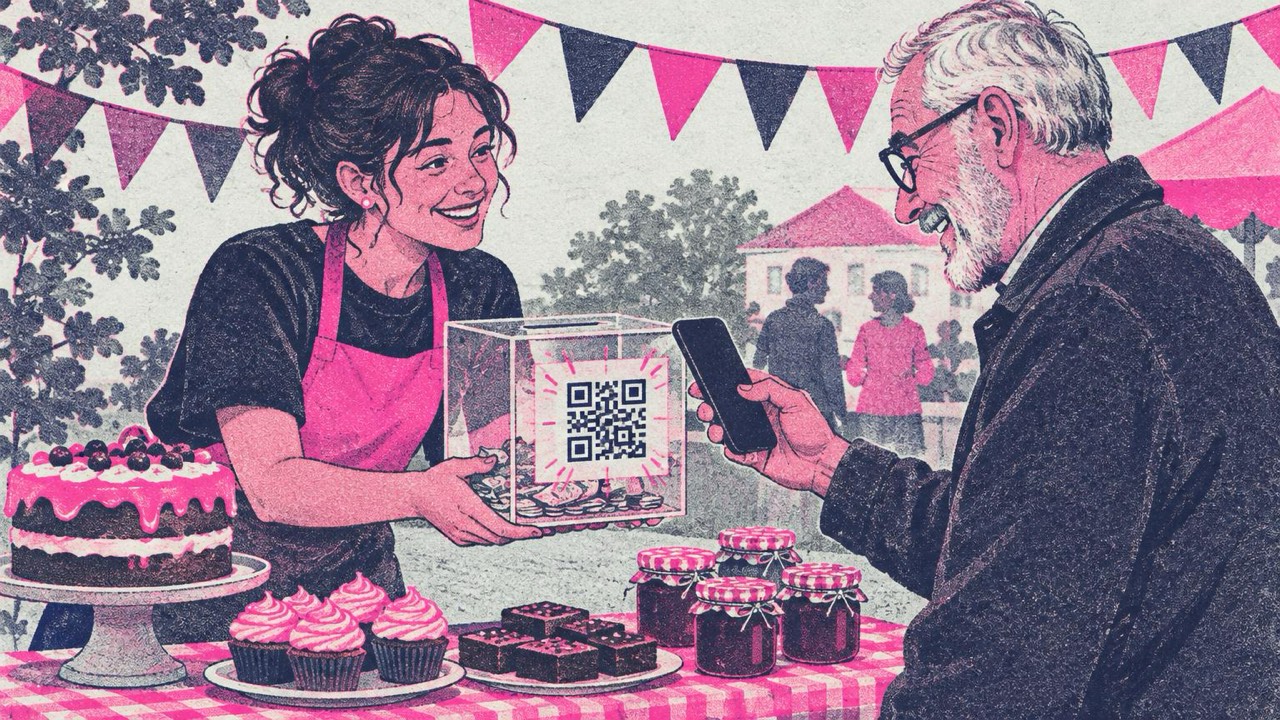
A visitor at your bake sale says, “I’d love to give something, but I have no cash on me.” Without a code, that donation is gone by the time they get home. With a QR code on the collection box, they scan it, land on your donation page, and give in under a minute, standing right there at the table.
The same goes for charities, sports clubs, churches and school parent associations. You already have the donation page; the code gets people to it.
What the code opens
A QR code on this site stores a link or a short text. It does not take money. Scanning opens a page you already have, and that page handles the payment:
- Your donation page. The page on your own website, or the page your payment provider or fundraising platform gave you. Copy the full link, paste it into the QR code generator, and check that it opens the right page before you print.
- Volunteer sign-up. A form for helpers at the next event, the weekly food bank shift or the kit wash rota.
- Newsletter sign-up. People who will not give today may be happy to hear from you. A code that opens your sign-up form is the softer ask.
- Event details. Date, place, programme and tickets for the gala, the fun run or the summer fair.
- Social media. Make a code for your organisation’s Facebook, Instagram or other profile with the social media QR code generator.
- Email. A code from the email QR code generator opens a message to your volunteer coordinator, subject “I’d like to help” already filled in.
One code, one job. A poster asking for donations should open the donation page, not your home page where people have to look for the “Give” button.
Codes from this site never expire, but they cannot be changed after printing. The link is stored in the code itself. If your campaign page will change every year, point the code at a page you control, such as yoursite.org/give, and change what that page shows or where it sends people.
Where to put it
- Collection boxes and tins. A sticker on the front, at eye level when the box sits on a counter. Cash and card donors use the same box.
- Posters and flyers. In shop windows, on church noticeboards, at the school gate, in the club house.
- Thank-you letters and receipts. Someone who just gave is the most likely to volunteer or subscribe. Put that code on the letter, not another donation request.
- Event signs and table tents. At the bake sale, the concert interval, the quiz night. The print option has a table tent that stands on its own.
- Churches, halls and newsletters. A framed code by the door for regular giving; a helper sign-up code on the parent association newsletter.
Build trust next to the code
A QR code hides the address it opens. A donor cannot see where they will land until they scan. So tell them, in plain words, right next to the code:
- Your organisation’s name and logo. “Give to Riverside Animal Rescue.”
- The destination domain. “Opens riverside-rescue.org/donate.” People can check that the phone shows the same address.
- What happens next. “Donate by card or bank transfer on our secure page.”
The generator can add a logo in the middle of the code and a frame with a label. The print option lets you add a headline and small text under the code, which is a good place for the domain.
Watch out for tampered codes
A known scam is a sticker with a different QR code stuck over the real one. On a charity poster or collection box, that sends kind people to a fake donation page.
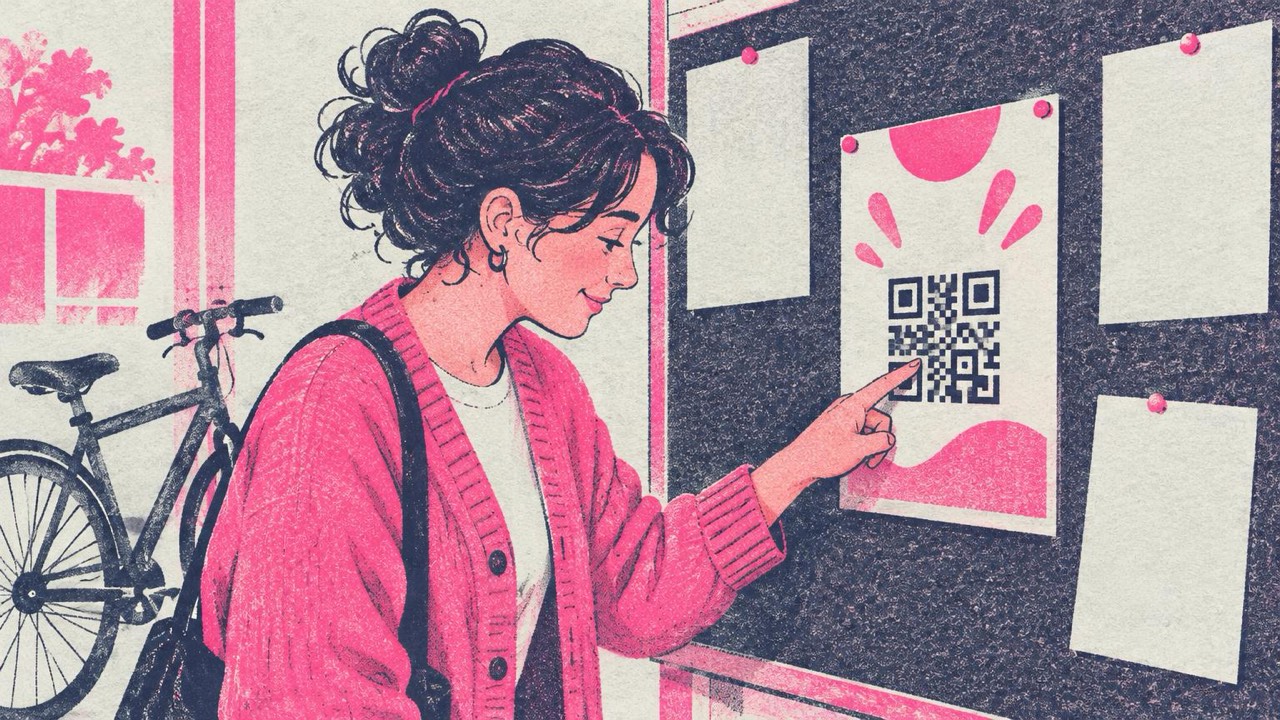
What helps:
- Check your signs regularly. Whoever empties the collection box or changes the posters should look at the code too. A sticker with raised edges or a slightly different size is a warning sign.
- Scan your own code now and then with the QR code reader or a phone camera and check the address it shows.
- Print the code onto the poster or box, not as a separate sticker, where you can. A code that is part of the print is harder to cover unnoticed.
- Put codes where your people can see them. A box on a staffed counter is safer than a poster on a lamp post.
And tell supporters your rule: you never ask for card details on a page reached from a code you do not control. If such a code asks for their card, they should type your web address themselves instead.
How big to print
The rule from the print guide: the code should be at least one tenth of the scanning distance, and never smaller than 2 cm (0.8 in).
- Sticker on a collection tin or box: 3–4 cm (1.2–1.6 in)
- Flyer, letter or table tent: 3–5 cm (1.2–2 in)
- A4 or letter-size poster read from a metre away: 10 cm (4 in) or more
- Banner at an event, scanned from a few metres: 25–30 cm (10–12 in)
Keep a dark code on a light background with its white border. For a print shop, download SVG. Print one copy at 100% (“Actual size”) and scan it with two phones before you print a hundred flyers.
Mistakes to avoid
- A temporary campaign link printed on boxes that will be used for years.
- Pink code on a red poster. Low contrast fails in dim halls and evening events.
- Never checking the code again after it goes up.
Checklist
- The code opens your real donation page (or sign-up form), not the home page
- The link is one you will keep, or a page you control
- Organisation name and destination domain printed next to the code
- Sized at least one tenth of the scanning distance, never under 2 cm
- Tested on an iPhone and an Android phone after printing
- Separate codes for donations, volunteers and the newsletter
- Someone checks the codes on boxes and posters for stickers regularly
- Supporters know you never ask for card details from a code you do not control