Contact Card (vCard) QR Code
Fill in your details. One scan adds you to the contacts on any phone. Perfect for business cards.
Printed QR code stopped working, or not sure it will last? Check it with the expiry checker
How to make a contact QR code people actually save
What to fill in
Name, one phone number, one email address and your website cover what most people need; add the company and job title for business use. Every field makes the code denser, because everything is stored in the code itself, so leave out what nobody will use.
Write the phone number in international format (+44 20 7946 0000), so it also works when someone abroad saves it.
What happens when someone scans it
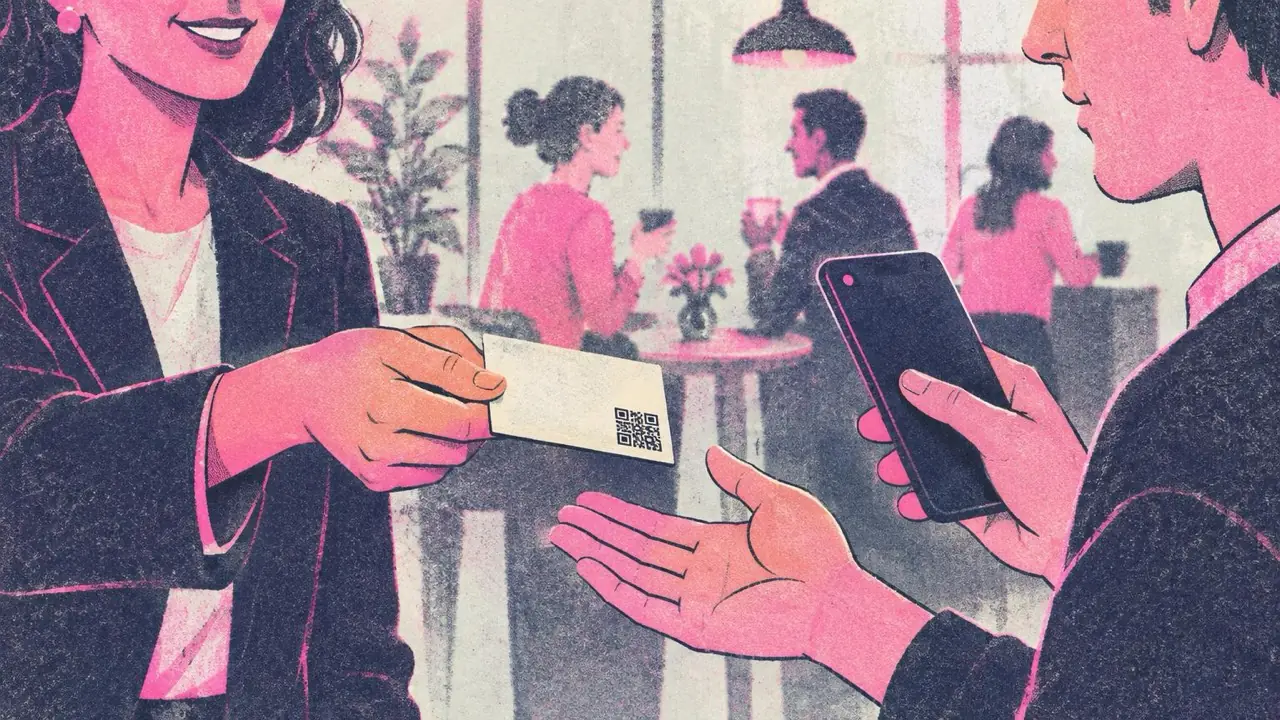
The phone camera recognises the contact card and offers to save it: iPhone opens a preview with Create New Contact, Android shows the name with an option to add it. No app and no browser are involved.
Because the details live in the code (in the standard vCard format), the code never expires and does not depend on any service. The other side of that: when your number or job changes, you make a new code. If you want details you can change after printing, point a [link QR code](/) at your own website or profile page instead.
Business cards, badges and stands
On a business card, print the code at least 2 cm wide with a white border around it, on the back if the front is busy. On a badge or a trade-fair stand, go bigger, because people scan from further away. You can put your logo in the middle: error correction goes up automatically so the code still scans. Layout ideas are in QR codes on business cards, sizes in the print guide.
Test a printed proof with two different phones before you order a large batch.
More ideas


Questions
- What is a vCard?
- A standard format for contact details. Phones, Outlook and Gmail all understand it.
- Why does the code get denser as I type?
- All details are stored in the code itself. Fill in only what you need, so the code stays easy to scan when printed small.
- Are my details stored anywhere?
- No. The code is made in your browser and nothing you type is sent to our server.
- Can I add a photo to the contact?
- No. A photo would make the code far too dense to scan. The contact is saved without a picture, and the person can add one later.
- Contact card or a link to my profile?
- A contact card saves your details in one step, works offline and never expires. A link opens a page you can update later, but it needs internet and a page you keep online. Many people print the contact card on business cards and a link code on posters.