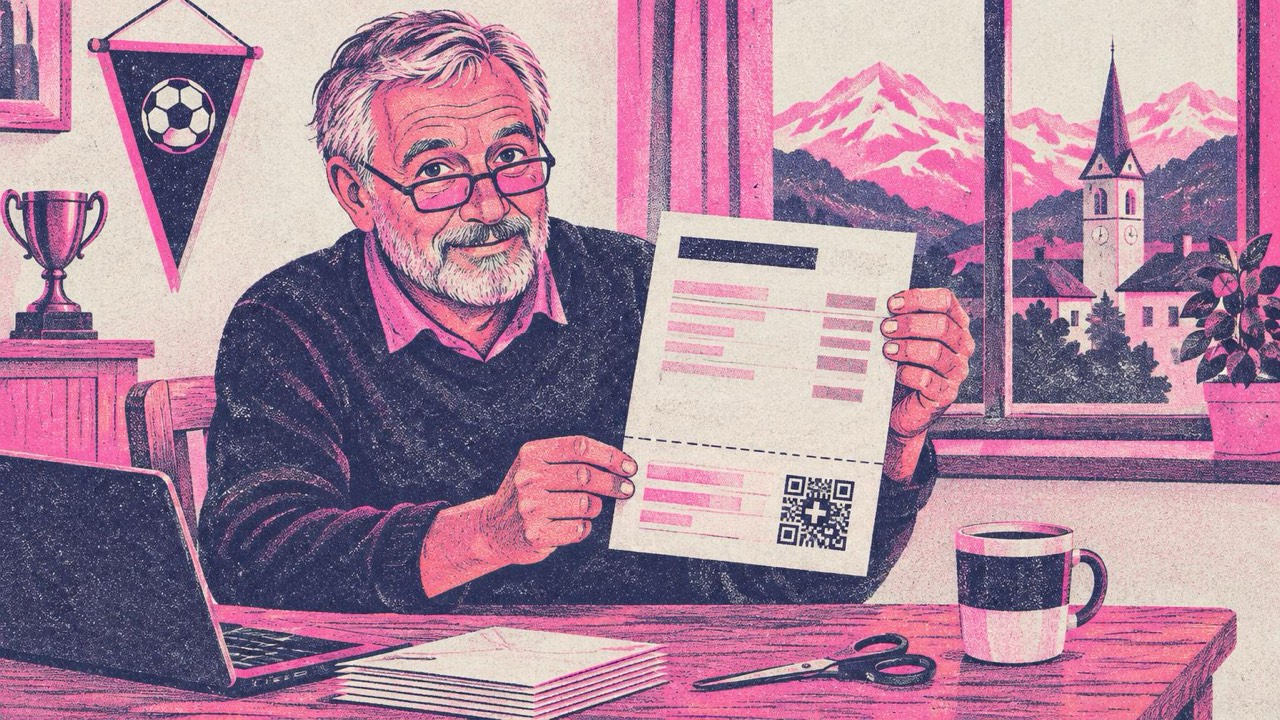
You send out the membership invoices for the football club, the rent reminders for two flats, or the monthly bills for your one-person studio. The template has worked for years: a PDF with a payment part at the bottom and the QR code with the little Swiss cross. Then your bank, your accounting software or a payer mentions “structured addresses”, and you wonder whether your bills are still fine.
Most likely they still scan today. The question is whether they will keep being processed, and that depends on one detail inside the QR code: the address type.
What changed
Every Swiss QR-bill carries the address of the person or business that gets paid (the creditor) and, if known, the address of the payer. Inside the code, each address is marked with a type:
- Type K, “combined”: two free lines. Line 1 holds street and house number, line 2 holds postcode and town, for example “Rue du Lac 1268” and “2501 Biel”.
- Type S, “structured”: separate fields for street, building number, postcode, town and country.
Version 2.3 of the SIX Implementation Guidelines for the QR-bill, valid since November 2025, removed the combined option: new bills may only carry structured addresses. Banks gave a transition period for bills that still use type K, and that period ends in November 2026. PostFinance, for example, guarantees processing of type K addresses only until 13 November 2026; other banks publish their own dates, so check what yours says. After the transition, a payment from an old bill can be rejected or need manual work.
A second change arrives at the same time: version 2.4 of the guidelines, valid from 14 November 2026, allows a QR-IBAN and a QR reference only for bills in CHF. If you invoice in euros, you need a normal IBAN with an RF reference or no reference.
How to check your bills
You don’t need special software. Take any bill you sent recently and look at what is inside the code:
- Open the QR code reader on this site.
- Drop in the PDF page as a screenshot, a photo of the printed bill, or use your phone’s camera.
- The reader recognises a QR-bill and shows its fields: who gets paid, the account, amount, reference, payer and message, plus the address type of each address.
If it says “combined (K)”, the bill needs to be reissued. If it says “structured (S)”, that bill is already in the current format. The reader also checks the IBAN and reference check digits and warns you when a QR-IBAN is used with the wrong kind of reference, which catches typos copied from old templates.
The image is read in your browser. Nothing is uploaded, which matters for bills with names, addresses and account numbers.
How to fix a bill with a combined address
When the reader finds a type K address, it offers a button that opens the Swiss QR-bill generator with the bill already filled in. The data travels in the page address after the ”#” sign, which browsers never send to a server.
The generator splits the old two-line address for you: “Rue du Lac 1268” becomes street “Rue du Lac” and number “1268”, “2501 Biel” becomes postcode “2501” and town “Biel”. Check those fields before you print, because old addresses are not always regular. A few things to watch:
- Postcode without a country prefix. Write “8000”, not “CH-8000”. The country goes in its own field.
- P.O. boxes and c/o. A post office box can go in the street field, as in the SIX example “P.O. Box”. A “c/o” line has no field of its own in the payment part; put it in the invoice text instead.
- House number in the street line. The guidelines still tolerate it for now, but separate fields are the clean solution and cost nothing.
- Long names. Name and street allow 70 characters, the building number 16, the town 35. The generator marks anything longer.
Then download the code as PNG or SVG for your own invoice layout, or print the complete receipt and payment part.
What to put on a new QR-bill
The generator asks for the same things as your bank’s e-banking:
- Account: your IBAN or QR-IBAN (Swiss or Liechtenstein only). A QR-IBAN is recognisable by the digits after the first four characters: 30000 to 31999.
- Reference: a QR-IBAN always needs a 27-digit QR reference. A normal IBAN can have an RF Creditor Reference or none. If you don’t have one, the generator can make a valid RF reference from your invoice number, check digits included.
- Amount: leave it empty for donations or when the payer decides.
- Payer: optional. Without it, the payment part shows an empty box with corner marks for the payer to fill in.
- Message: a short note such as “Membership fee 2027”. Message and billing information share 140 characters.
Printing it right
The QR-bill has a fixed layout: a 62 mm receipt on the left and a 148 mm payment part on the right, together 105 mm high, usually at the bottom of an A4 page. The QR code itself is always 46 × 46 mm, black on white, with the Swiss cross in the middle. That is why this generator has no colours, dot styles or logos for QR-bills: banking apps expect the standard look.
When you print:
- Print at 100 % (“Actual size”), never “Fit to page”, or the code and the 46 mm size shrink.
- Use plain white paper. If it is not perforated, cut along the dashed line; the sheet prints the scissors symbol and “Separate before paying in” for that reason.
- Scan one printed copy with your banking app before you send a whole batch.
The orange payment slips disappeared in 2022, so there is no special paper to buy.
Checklist
- Scan one of your current bills with the reader and look at the address type.
- If it says combined (K), open it in the QR-bill generator and check street, number, postcode and town.
- Update your invoice template or accounting software so new bills use structured addresses.
- Invoicing in EUR? Use a normal IBAN, not a QR-IBAN, from 14 November 2026.
- Print at 100 % and test-scan one copy before sending.