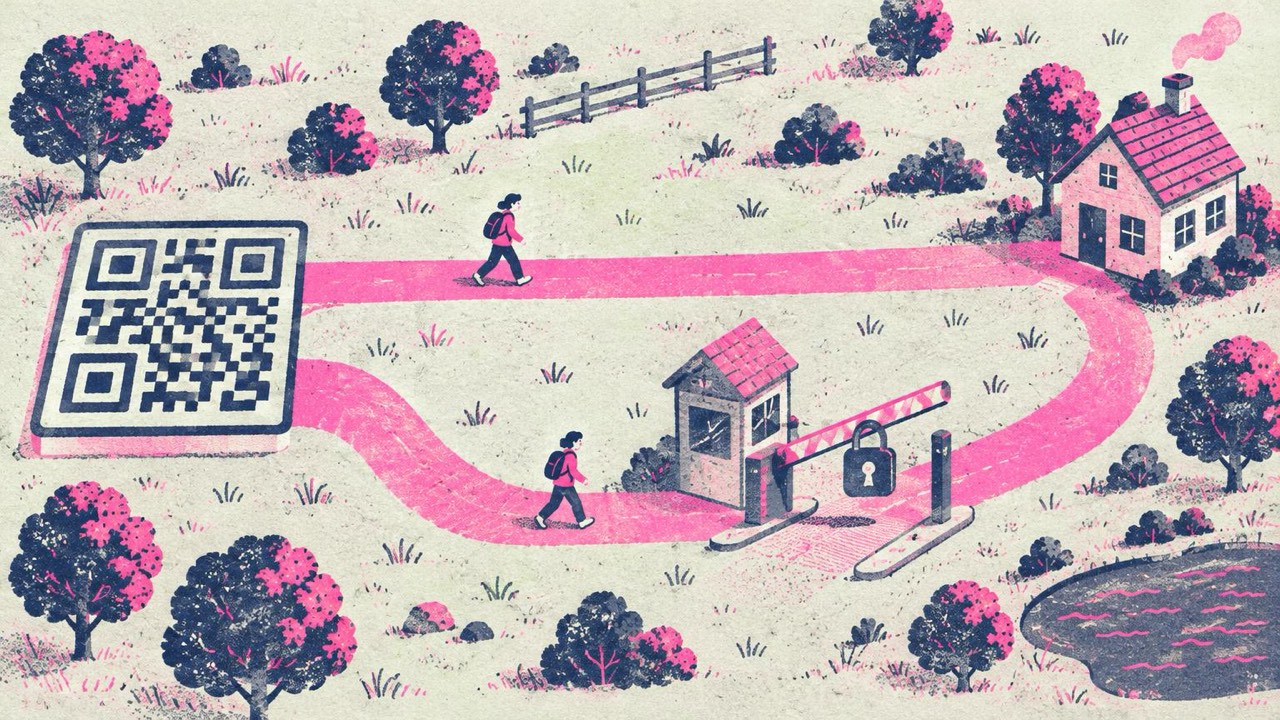
You are about to print a code on a menu, a box or a shop window, and the generator asks you to choose: static or dynamic. One is free, the other comes with a trial. The names don’t explain much, and the choice matters more than it looks, because it decides who controls the code once it is printed.
What a static code is
A static QR code contains the destination itself. If you make a code for yourshop.com/menu, those exact characters are stored in the pattern of squares. A phone reads them and opens the page. Nothing else is involved.
The same goes for other content: Wi-Fi network name and password, a contact card, a phone number, plain text. All of it lives inside the code.
That has two consequences. A static code can’t be edited after printing, because the content is the pattern. And it can’t expire, because there is no server between the code and the destination that could stop answering. It keeps working even if the site that generated it disappears.
What a dynamic code is
A dynamic QR code contains a short link that belongs to the generator service, something like service.example/a8Xk2. When someone scans it, the phone goes to the service first, the service looks up where that short link should go today, and forwards the visitor there.
Because the service sits in the middle, it can do two things a static code can’t: let you change the destination after printing, and count scans, often with time, rough location and device type.
The catch is the same middle step. The code works only while the service keeps the redirect active. Many services switch codes off, or show an upgrade page instead of your content, when a free trial or subscription ends. That is the most common reason a printed code stops working after months of working fine, and it is a frequent complaint from restaurants and small shops with printed menus and packaging.
Side by side
| Static | Dynamic | |
|---|---|---|
| What’s in the code | Your address or data | A short link owned by the service |
| Expires | Never | When the service stops the redirect |
| Edit the destination later | No (change the page instead) | Yes, in the service’s dashboard |
| Scan statistics | No | Yes |
| Cost | Usually free | Usually a subscription |
| Who sees each scan | Only the site you link to | The service, then your site |
| Offline content (Wi-Fi, contact card) | Yes | Usually not; it needs a web page |
| Code density | Grows with long links | Always short |
The last row is a small real advantage of dynamic codes: the short link makes a simple pattern. With a static code, keep your address short for the same effect.
When dynamic is worth paying for
Dynamic codes solve real problems. They are a good choice when:
- You run campaigns at scale and need scan data. If you print codes on thousands of posters in different cities and want to know which ones get scanned, a dynamic service gives you that out of the box.
- The destination changes often and you have no website. If the target moves every few weeks and you have no page of your own to update, a redirect you can edit saves reprints.
- You will keep paying for as long as the print exists. Treat the subscription as part of the cost of the printed item. If the packaging stays on shelves for three years, budget for three years.
If you go this way, read the terms for what happens when a plan ends, and keep the account details somewhere your colleagues can find them.
When static is the better choice
For most small businesses and most printed items, static is simpler and safer:
- The print lives a long time. Menus, table tents, packaging, signs, business cards, gravestones, books. Nobody wants to discover in two years that the codes depend on an unpaid invoice.
- You don’t need scan counts. Most cafés, shops and event organisers never look at them. If you do want rough numbers, your own website’s analytics already show visits to the page.
- Privacy matters. With a static code, no third party sees who scanned what and when. The phone goes straight to your page.
- The content isn’t a web page. Wi-Fi codes, contact cards and phone numbers work offline and are static by nature.
Get “editable” with a static code
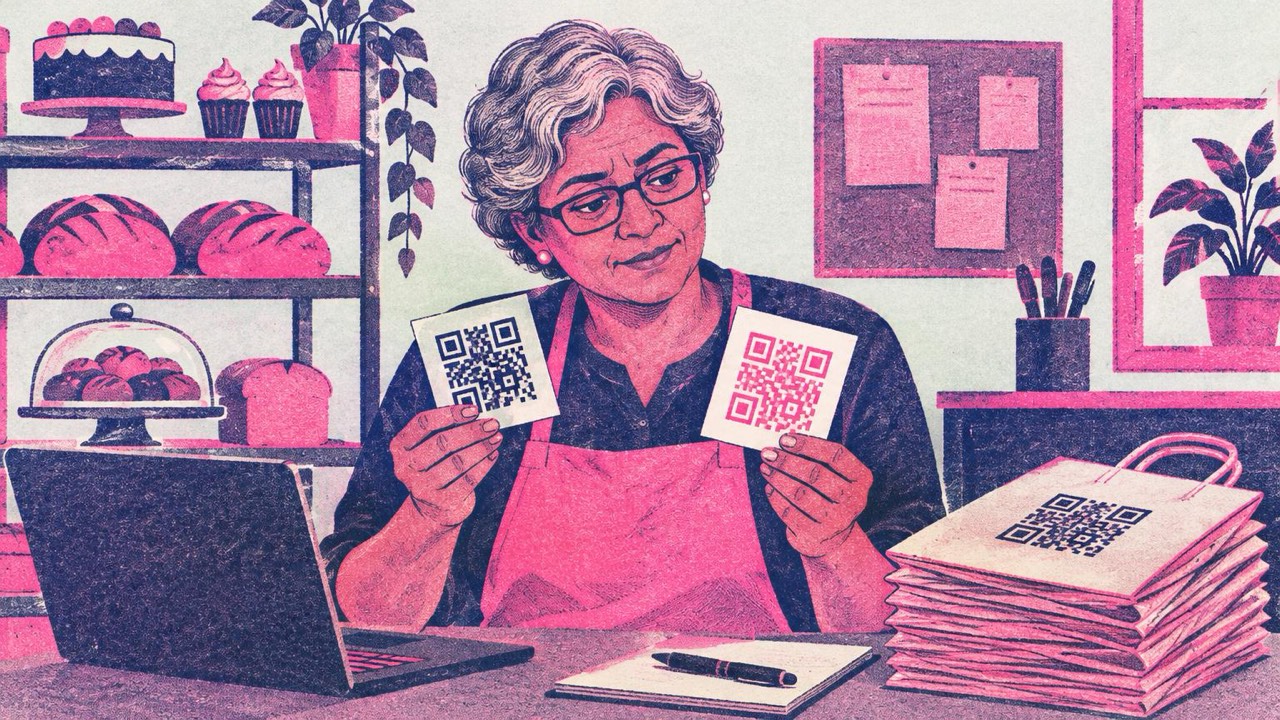
The main reason people pick dynamic is that they might need to change the link later. You can get that with a static code too: point it at a page you control, and change the page instead of the code.
- Make the code for an address on your own domain, such as
yourcafe.com/menu. - When the menu changes, upload the new menu to that page.
- If the page ever needs to move, set up a redirect on your own site from the old address to the new one.
You get the editing, you keep it as long as you keep your website, and nobody can switch it off. Your site’s analytics count the visits. The main generator makes this kind of code: paste the address, pick a style, download PNG or SVG.
How to check what a code is
Already have codes in circulation? Scan them with the QR code reader. It shows the full text inside the code and warns when the address belongs to a known short-link or dynamic QR service. If it shows your own address, the code is static and will work as long as the page does. If you are about to choose a generator, the guide to a QR code generator with no expiration lists what to check first.
Checklist
- Static: your address is in the code, never expires, can’t be edited, no scan stats
- Dynamic: short link through a service, editable and tracked, works while the service keeps it on
- Pay for dynamic only if you need scan data or frequent changes, for the whole life of the print
- For menus, packaging and signs, static pointing at a page you control
- Keep the address short for a simpler, easier-to-scan code
- Scan existing codes with the reader to see which kind they are