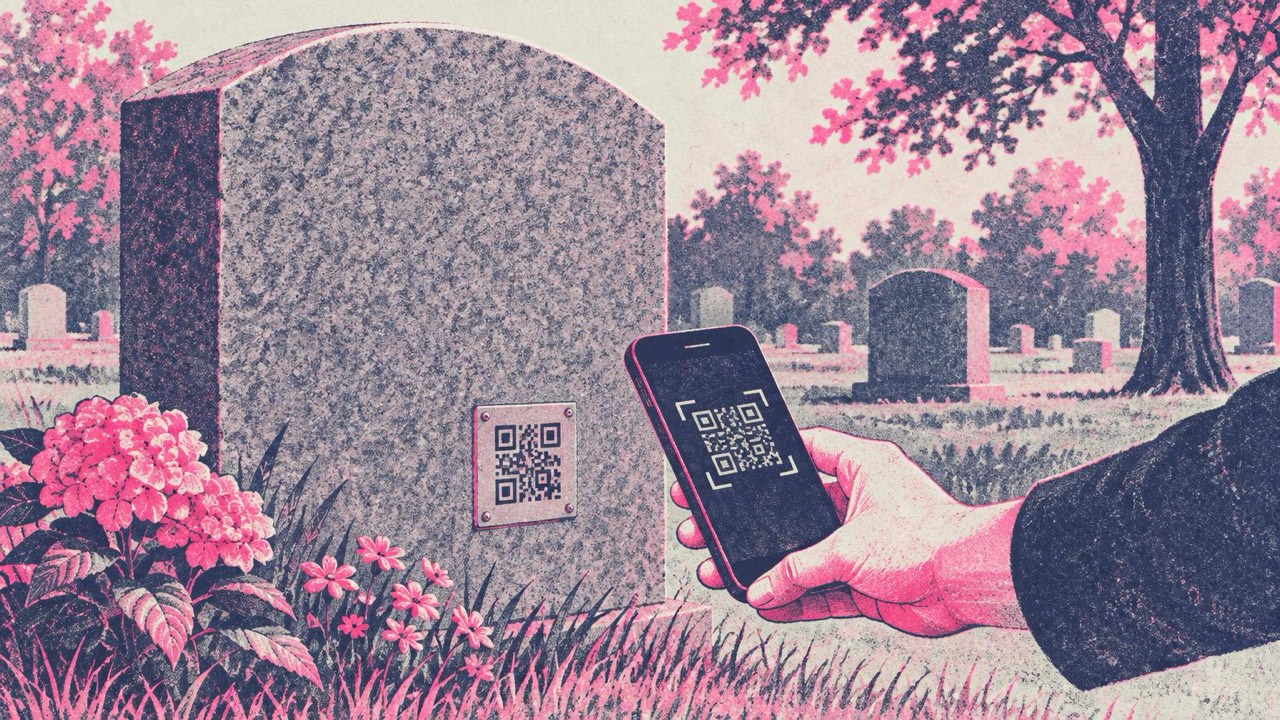
A headstone has room for a name, two dates and perhaps a line of verse. A life does not fit. More families now add a small QR code to the stone or to a memorial plaque, so that anyone who stands there, a grandchild, an old friend, a visitor who passes by, can see more of the person than the engraving allows.
Done well, it is a quiet, practical addition. The care goes into two things: a page that still works in twenty years, and a code the stonemason can make scannable.
What the code can open
A QR code holds one web address. Choose a single page that can grow over time and hold everything you want to share. It might contain:
- An online memorial or obituary page: a short life story, the eulogy, messages from family and friends.
- A photo album: childhood pictures, the wedding, the garden they loved.
- A favourite piece of music: the song from the funeral, or a recording of them singing or playing.
- A family tree: so later generations can see where this person sits in the family story.
A single page that links to all of these works better than trying to pick one. Visitors scan once and find their own way.
When the page is ready, make the code in the main generator: paste the address and download the file. The code is made in your browser and is free, with no account.
A code that lasts as long as the page
A static QR code like the ones made here never expires. The address is stored in the pattern itself, with no service in between that can be switched off. That suits a headstone well.
But the code is only half of it. Every scan opens whatever lives at that address, for decades. If the page disappears, the stone shows a code that leads to an error. The engraving cannot be changed afterwards, so this is the decision that deserves the most thought.
Before you choose where the memorial page lives, ask:
- Who controls it? One family member should hold the login, with a second person who knows how to reach it.
- Who pays for it, and for how long? A paid plan that lapses when a card expires can take the page with it.
- Will the service still exist? Free memorial sites, photo services and social media pages come and go. Their addresses change.
The safest option is a domain the family owns, such as ournamefamily.org/grandma, renewed on a long term and with auto-renew switched on. The page behind it can move to a different host later and the address on the stone stays the same. If that is too much, choose a well-established host the family can keep paying for and maintaining, and write down where the login lives.
Avoid link shorteners, temporary file-sharing links and addresses with long tracking strings. They are the most likely to break, and a shorter address also makes a simpler code that is easier to engrave and to scan.
Materials: engraved, ceramic or enamel
Most stonemasons and memorial makers can add a QR code. Send them the SVG file from the generator, which stays sharp at any size. The common options:
- Engraved stone: cut or laser-etched directly into polished granite. Dark polished granite with a light, filled engraving gives good contrast. Unfilled engraving on grey stone can be too faint to scan.
- Metal plaques: stainless steel, brass or bronze, etched or engraved, fixed into a recess in the stone. Durable, but polished metal reflects sunlight, so a satin or brushed finish scans more reliably.
- Ceramic or enamel inserts: a fired tile set into the stone by the mason, like the photo plaques many cemeteries already allow. They keep a dark-on-light pattern crisp for many years.
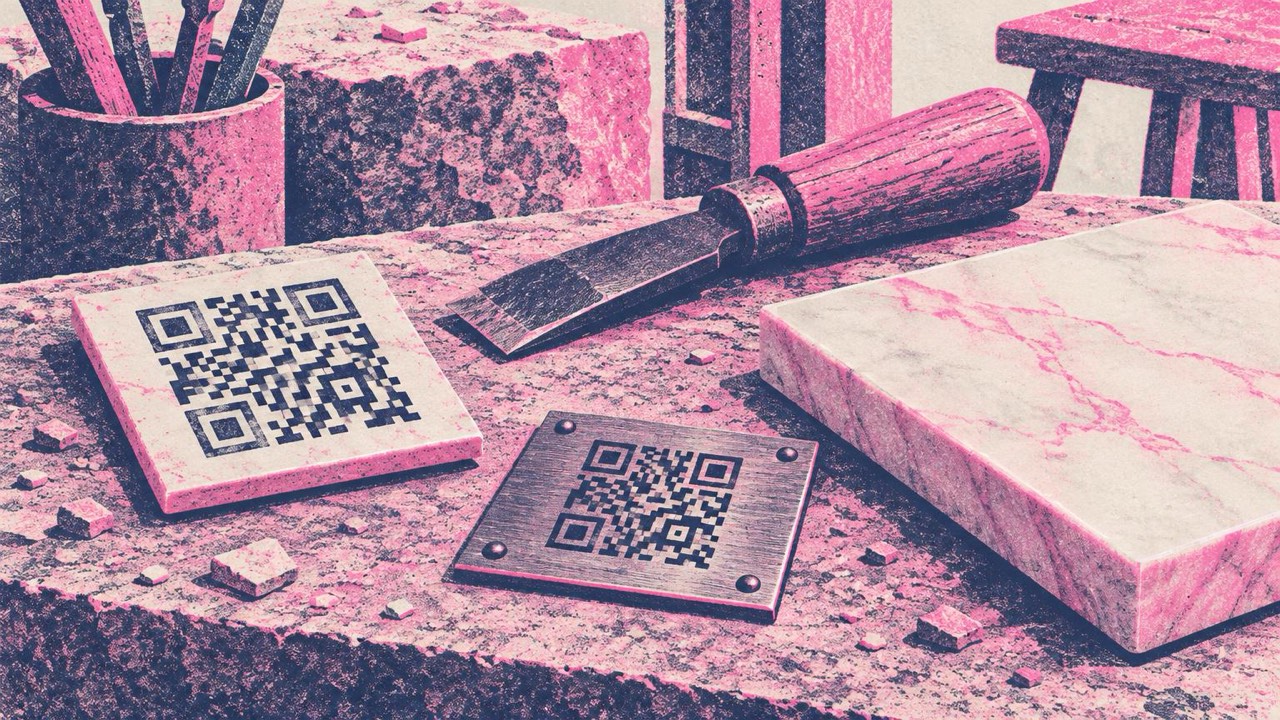
Think about weathering. Moss, lichen, hard water and decades of sun all soften contrast. Choose dark modules on a light background or a strong light-on-dark fill, keep the plain margin around the code, and ask the mason how the material ages outdoors. Skip decorative styles, colours and logos: a plain square pattern survives wear best.
Size and placement
The print guide rule is that the code should be about one tenth of the scanning distance. A visitor usually stands or crouches about 50 cm from the stone, so a code around 5 cm (2 in) wide is a good size. Never go below 2 cm.
Place the code where a phone can reach it comfortably: on the front face or base, not high on a tall stone or flat on a ledge where leaves and water collect.
Talk to the family and the cemetery first
Two conversations before anything is ordered:
- The family. Agree together that you want a code at all, what the page will show and who will look after it. Some relatives may prefer the stone to stay traditional, and that deserves a gentle hearing.
- The cemetery or churchyard. Many have rules about what may be added to a memorial: materials, plaque sizes, and sometimes whether codes are allowed at all. Ask the cemetery office or the stonemason, who usually knows the local rules.
Test the real proof
Before the plaque is fixed in place, ask the stonemason for a proof or a sample in the actual material and finish. Then:
- Scan it with several phones, including an older one, and both an iPhone and an Android if you can.
- Try it outdoors, in bright sun and in shade, from about 50 cm.
- Check that the right page opens and loads quickly on mobile data.
You can also check the downloaded file with the QR code reader before sending it to the mason.
Checklist
- One memorial page that can grow: story, photos, music, family tree
- Hosted somewhere the family controls and will keep paying for, ideally a domain you own
- No shorteners or temporary links
- Family agreement and cemetery rules checked
- SVG sent to the stonemason; plain pattern, strong contrast, weather-resistant material
- About 5 cm wide for a stone read from 50 cm, with a clear margin
- Proof tested with several phones, outdoors, before it is fixed