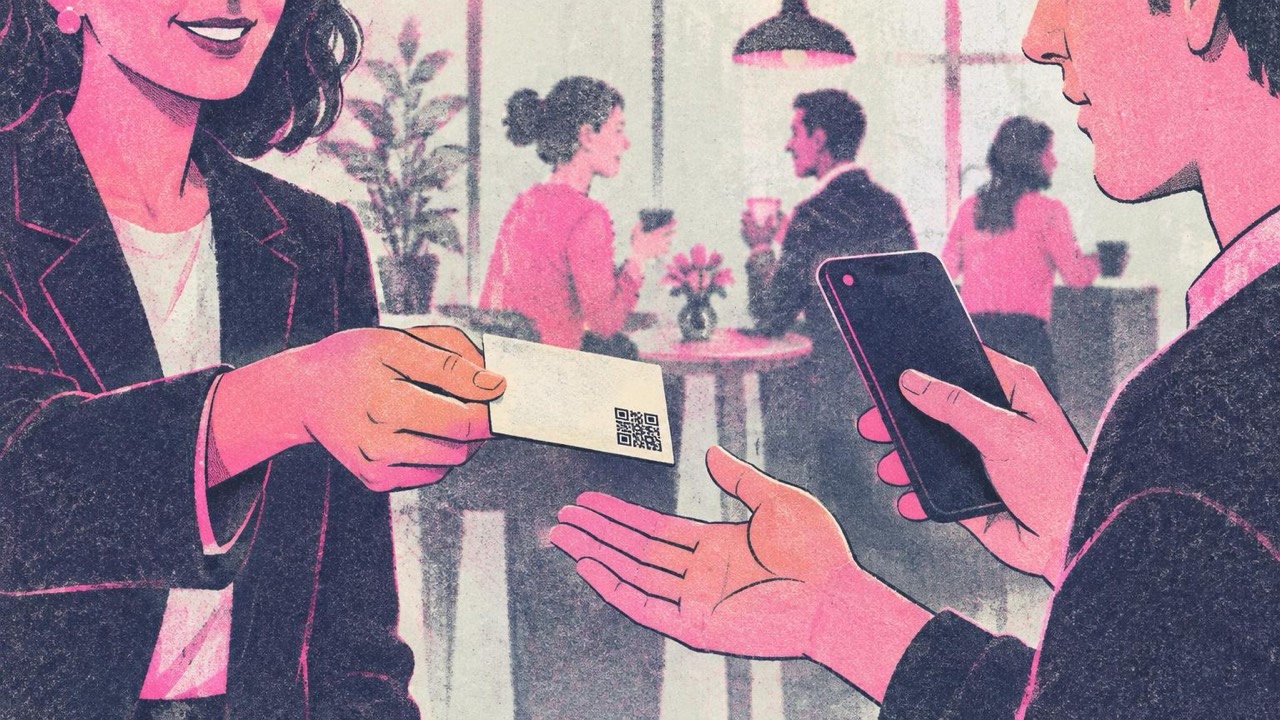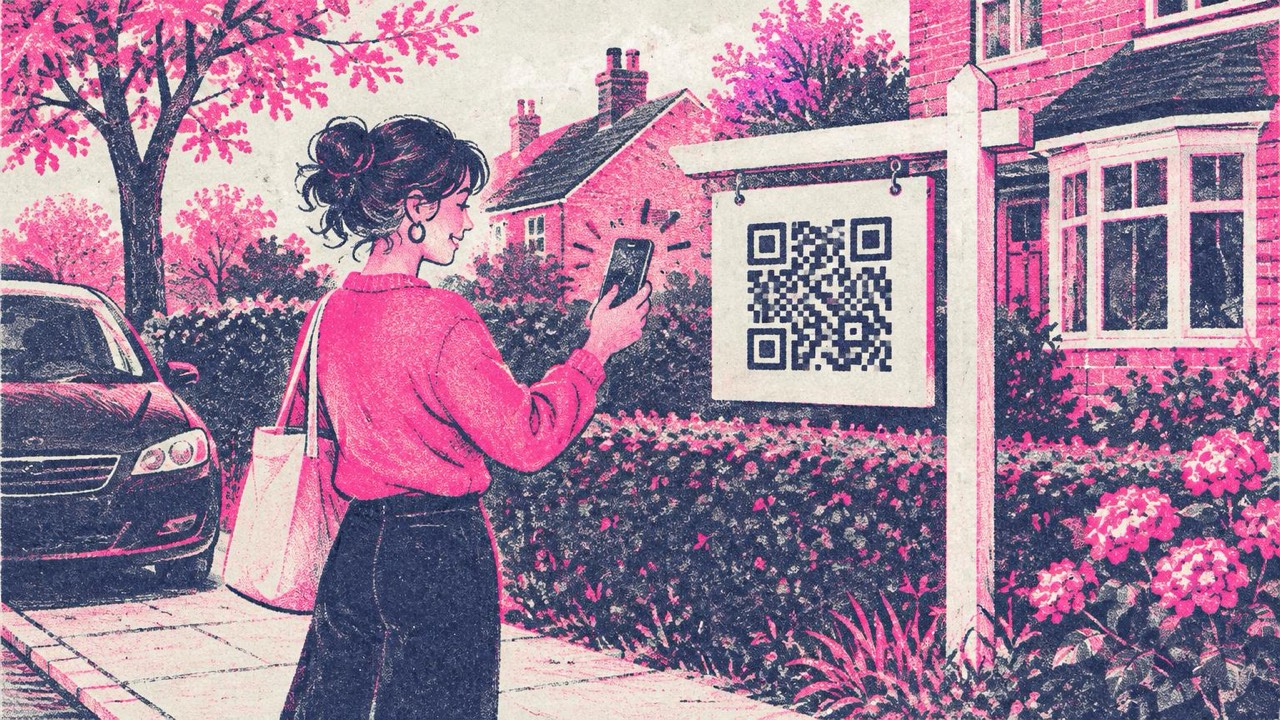
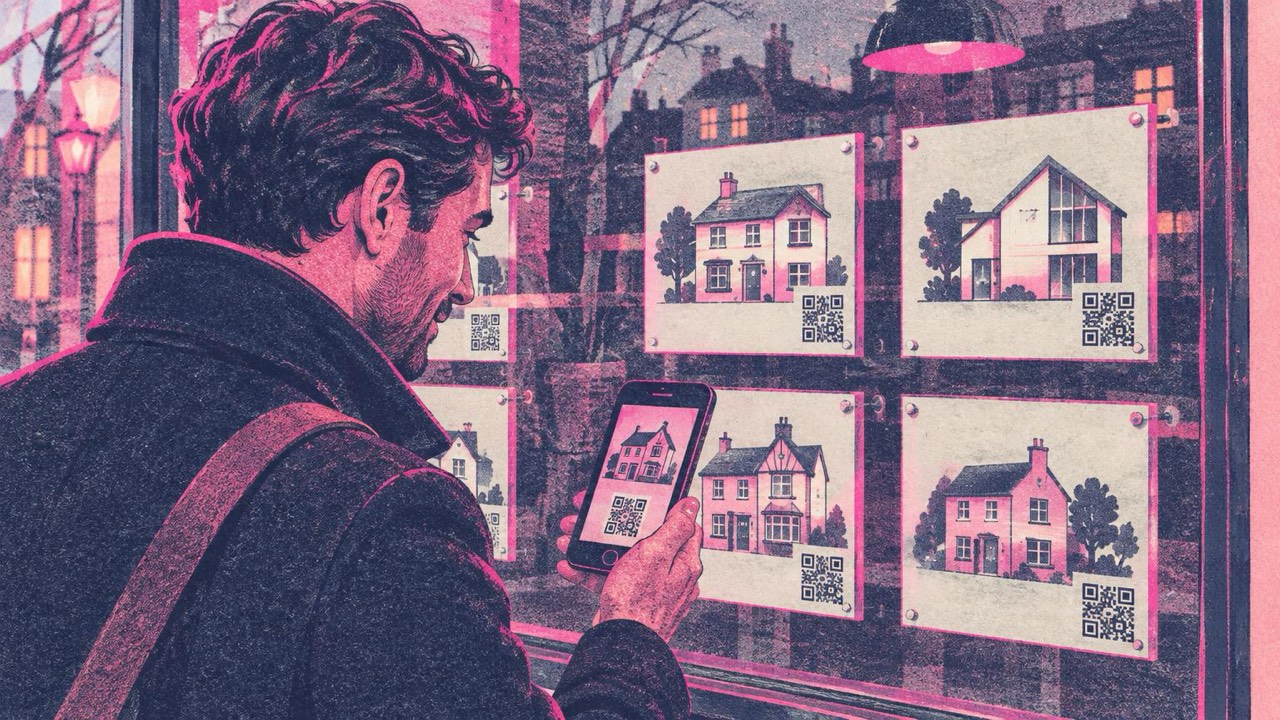
Someone walks their dog past a house with your sign in the garden. They are curious, but not curious enough to type a web address or ring an office that is closed. A QR code on the sign turns that moment into a visit to the listing, right there on the pavement. The same goes for the flyers in your office window, the ones people look at after hours.
What to put in the code
Pick one job for each code. A sign with one clear action gets more scans than a sign that tries to do everything.
- The listing page. The most useful choice for most signs. Paste the property’s page into the link generator and the buyer sees photos, price, floor plan and viewing times at once.
- A call to the agent. A phone call QR code shows your number with a call button, so nobody has to type it. The phone does not dial by itself; the person taps Call.
- A WhatsApp chat. A WhatsApp QR code opens a chat with your number and can include a pre-filled message such as “Hi, I’m interested in the house on Elm Road.” Many buyers prefer writing to calling, especially in the evening. Remember that the number is visible to anyone who scans.
- Directions to the open house. A location QR code opens the address in Google Maps. Use it on flyers and directional boards at the end of the street, not on the sign that already stands in front of the house.
Use the international format for phone numbers (+44 7700 900123), so the code also works for buyers calling from abroad.
Listings change, codes do not
The codes made here are static: the link is stored in the code itself. They never expire and do not depend on this site, but you cannot edit them after printing. That matters for real estate, because listings go under offer, get relisted or move to a new portal.
The fix is simple: point the code at a page you control, such as the property page on your own agency website, not at a portal URL that may disappear. When the house sells, update that page to say “Sold” and link to similar homes.
Where to place it
On the yard sign. Put the code on the main panel or on a separate rider below it, at chest or eye height for someone standing on the pavement. Keep it away from the edge of the panel and from the post, which can cast a shadow.
In the window and on flyers. Office window cards and take-one flyers in a box by the gate are read up close, often in the evening. Here the code can be much smaller, and you can use one code per property.
How big to print it
The rule from the print guide: the code should be at least one tenth of the scanning distance, and never smaller than 2 cm. For signs, think about where the person really stands.
| Where | Scanning distance | Code width |
|---|---|---|
| Flyer in hand | 30 cm | 3–4 cm |
| Window card, read through glass | 1–1.5 m | 10–15 cm |
| Yard sign, read from the pavement | 2–3 m | 20–30 cm |
| Sign read from a car at the kerb | 4–5 m | 40–50 cm |
A 10 cm code on a 60 cm sign looks tidy in the proof, but from across a front garden most phones will not read it. If the sign is set back from the road, measure the real distance.
Long URLs make denser codes with smaller squares. Use the shortest clean address you have for the listing, and go bigger if the code looks busy.
Printing for the outdoors
A sign stands outside for weeks or months. A few things keep the code readable:
- Download SVG and send it to the sign maker. It stays sharp at any size; a small PNG blown up to 40 cm will blur.
- Dark code on a light background. Black or navy on white scans best. Avoid white codes on your brand red or a dark photo.
- Keep the quiet zone. Leave a light border around the code at least four of its small squares wide. Do not let the sign designer crop it or run a stripe right up to the code.
- Matte, not glossy. Glossy laminate reflects sunlight and street lights and can hide part of the code. Ask for a matte or anti-glare finish.
- Weatherproof material. Printed aluminium composite, corrugated plastic or vinyl stickers rated for outdoor use survive rain better than paper in a sleeve, which fogs up from the inside.
- Add a short line of text next to the code, such as “Scan for photos and price” or “Scan to call the agent”. People scan more when they know what they will get. The frame and label options in the generator do this for you.
Mistakes to avoid
-
Several codes on one sign. A sign with three codes makes people stop and decide. Put one code on the sign and the other options on the listing page.
-
Testing only on the screen. Print one copy at full size, put it where the sign will stand, and scan it from the pavement with two or three phones, in daylight and at dusk.
-
Forgetting the dead end. When the house sells, the code keeps working. Make sure the page it opens still says something useful.
-
A code too small for the distance. This is the most common reason sign codes get no scans.
Checklist
- One code per sign, with one clear action: listing, call, WhatsApp or directions.
- The link points to a page you control, ready to update when the property sells.
- Phone numbers in international format.
- Size at least one tenth of the scanning distance: 20–30 cm for a yard sign.
- SVG file, dark on light, quiet zone intact, matte weatherproof material.
- A short label telling people what the scan gives them.
- Tested in print, on site, with more than one phone.