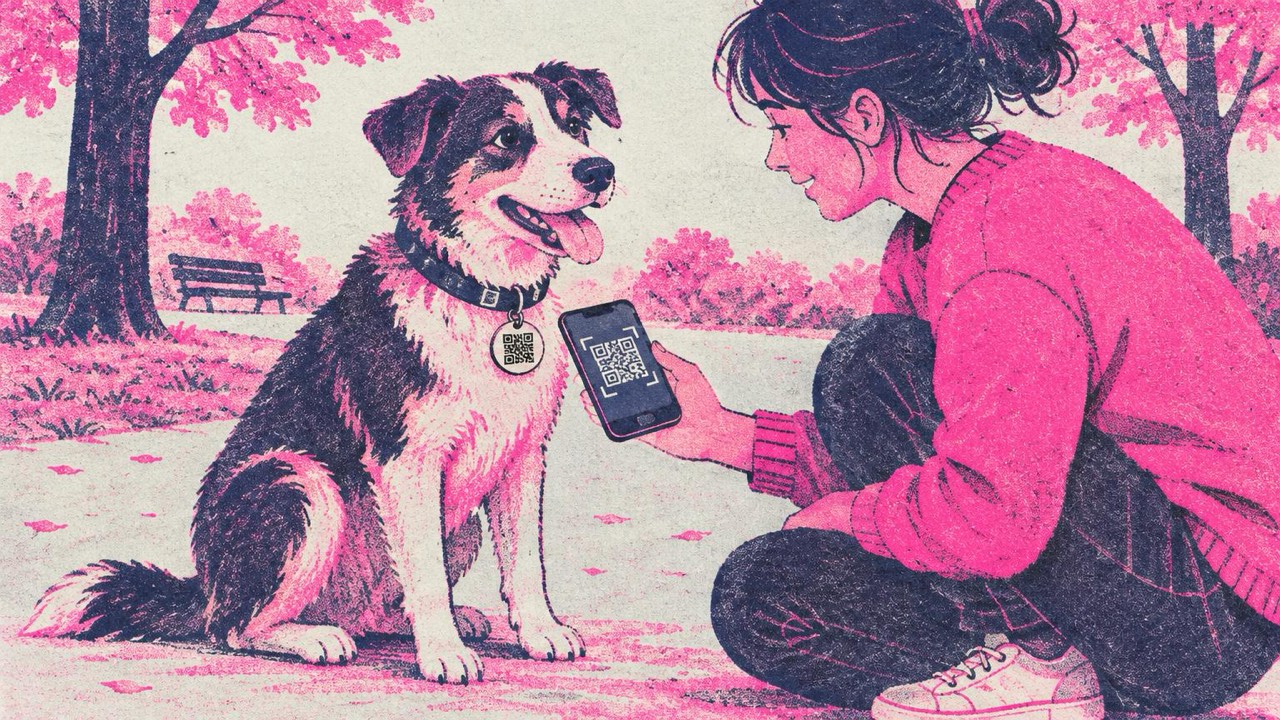
Your dog slips out of the gate. A neighbour finds them, reads a tiny, half-worn engraved number, types it in with one digit wrong, and gives up. A QR code on the tag lets them skip the typing: they scan it, and their phone is ready to call you or open a chat with you.
A pet tag is small and lives a rough life, so the code has to be simple, sharp and short.
What to put in the code
The code holds one action. For a pet tag, the goal is that a stranger can reach you as fast as possible.
Phone call. The most direct option. The phone call QR code generator makes a code that opens the dialler with your number filled in; the finder taps Call. Use the full international format (+1, +44, +61…) so it works from any phone.
WhatsApp chat. Good if you do not always pick up calls from unknown numbers. The WhatsApp generator lets you add a pre-filled message like “Hi, I found your dog”, so the finder only has to tap Send. They can also send you a photo and their location in the chat, which helps you find them.
A contact card with a backup. A vCard saves your details to the finder’s phone. This is the one to use if you want to include more than one way to reach someone:
- your first name and phone number
- a second contact, such as a partner or neighbour, with their phone
- your vet’s phone number (put it in the company or a second phone field)
- one email address
Keep it short. Every character you add makes the code denser, and on a tag that is only 2–3 cm across, a dense code is harder to read. Your pet’s name is optional; some owners leave it off so a stranger cannot call the animal by name.
The address question
Whether to put your home address on a pet tag is a genuinely debated point, and there is no single right answer.
For it: a finder can walk a dog home without waiting for you to answer the phone. If you are out of signal or asleep, the address may get your pet back faster.
Against it: a tag is readable by anyone who gets close to your animal. An address tells them where the pet (and you) live, which some owners would rather not share with strangers.
A middle path many owners take: phone number and WhatsApp in the code, no street address, and a second contact who lives nearby. If your country or local rules require specific details on a pet’s ID tag, follow those first; check with your local authority, because the rules differ from place to place.
Size and data: what fits on a tag
The print guide rule is that a code should be about one tenth of the scanning distance and never smaller than 2 cm (0.8 in). Someone scanning a collar tag holds their phone 15–25 cm away, so 2–2.5 cm wide is the working range.
Most pet tags are 2.5–3.5 cm across. Leave a light margin around the code, at least four of its small squares wide, which means a 2 cm code needs a tag of roughly 2.5–3 cm. On very small tags for cats, use the simplest possible content: a phone number makes the smallest code.
Style options are fine, as long as you keep them restrained:
- Square or rounded dots both scan well. Very decorative shapes are riskier at this size.
- Strong contrast matters more than anything else. Black on white or a very dark colour on a light background.
- No logo on a pet tag. At 2 cm, a logo leaves too few squares to read.
The generator checks each design with your browser’s own QR reader as you edit, and warns you if contrast or style makes it hard to read.
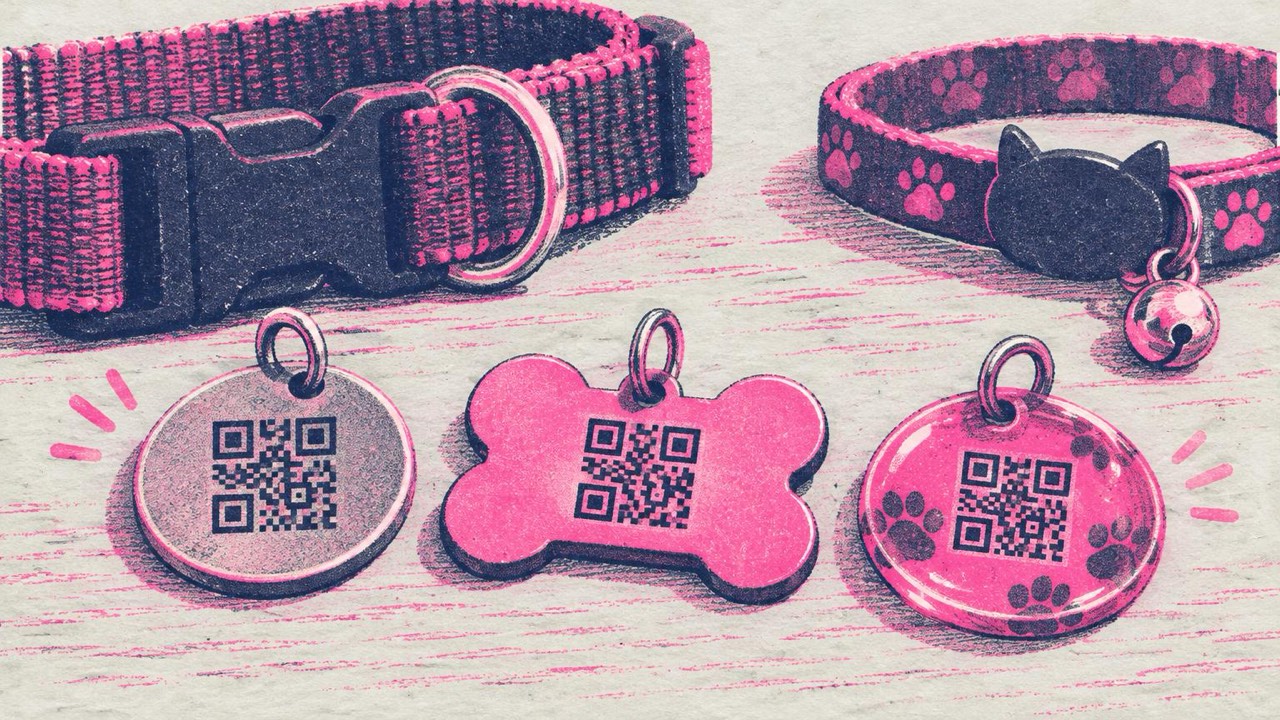
Materials: engraved, printed and resin tags
How the code gets onto the tag affects whether it scans.
Engraved or laser-marked metal. Durable, but contrast is the weak point. A light engraving on shiny steel can be almost invisible to a phone camera, especially in sunlight. Ask for a deep, dark engraving or a black-anodised tag with the code marked in light metal, and send the engraver the SVG file so the squares stay sharp.
Printed tags under resin or epoxy. A printed code sealed under a clear dome gives good contrast. The dome can reflect light, so test it from a few angles. Over time, scratches on the surface scatter light; a matte or low-dome finish helps.
Home-made tags. Print the code on sticker paper using the Stickers layout, put it on a blank tag, and cover it with clear tape or a laminate. This is cheap and fine for a start, but check it every few weeks, as water and chewing wear it down.
Whichever you choose, replace the tag when the code no longer scans first time. A collar tag rubs against the bowl, the ground and other tags every day.
A tag helps, but it is not the only ID
A QR code tag is a quick way for a neighbour or passer-by to contact you. It does not replace a microchip, which stays with your pet if the collar comes off, and it does not replace any ID tag or registration your country requires. Use it in addition to those, and keep the details on your microchip registration up to date as well.
The codes from this site are static and never expire, but they cannot be edited after printing. If you move or change your number, make a new tag. If you would rather update details without replacing the tag, point the code at a page you control and keep that page current.
Checklist
- One action: phone call, WhatsApp, or a short contact card
- Number in international format; a second contact and vet phone in the vCard if you use one
- Decide on the address question deliberately, and follow local ID rules
- Code 2–2.5 cm wide, with a light margin around it
- Strong contrast, simple dots, no logo
- Deep engraving or a printed code under a matte or low-dome cover
- Scanned with two phones before the tag goes on the collar
- Microchip and required ID still in place